
The AI coding agent
that asks before it acts.
NanoAgent works locally across your terminal, editor, and desktop. It understands your codebase, proposes a plan, asks before making changes, and lets you review every diff.
Apache-2.0 open source · Local-first · macOS, Linux, and Windows
Install it. Point it at your repo. Stay in control.
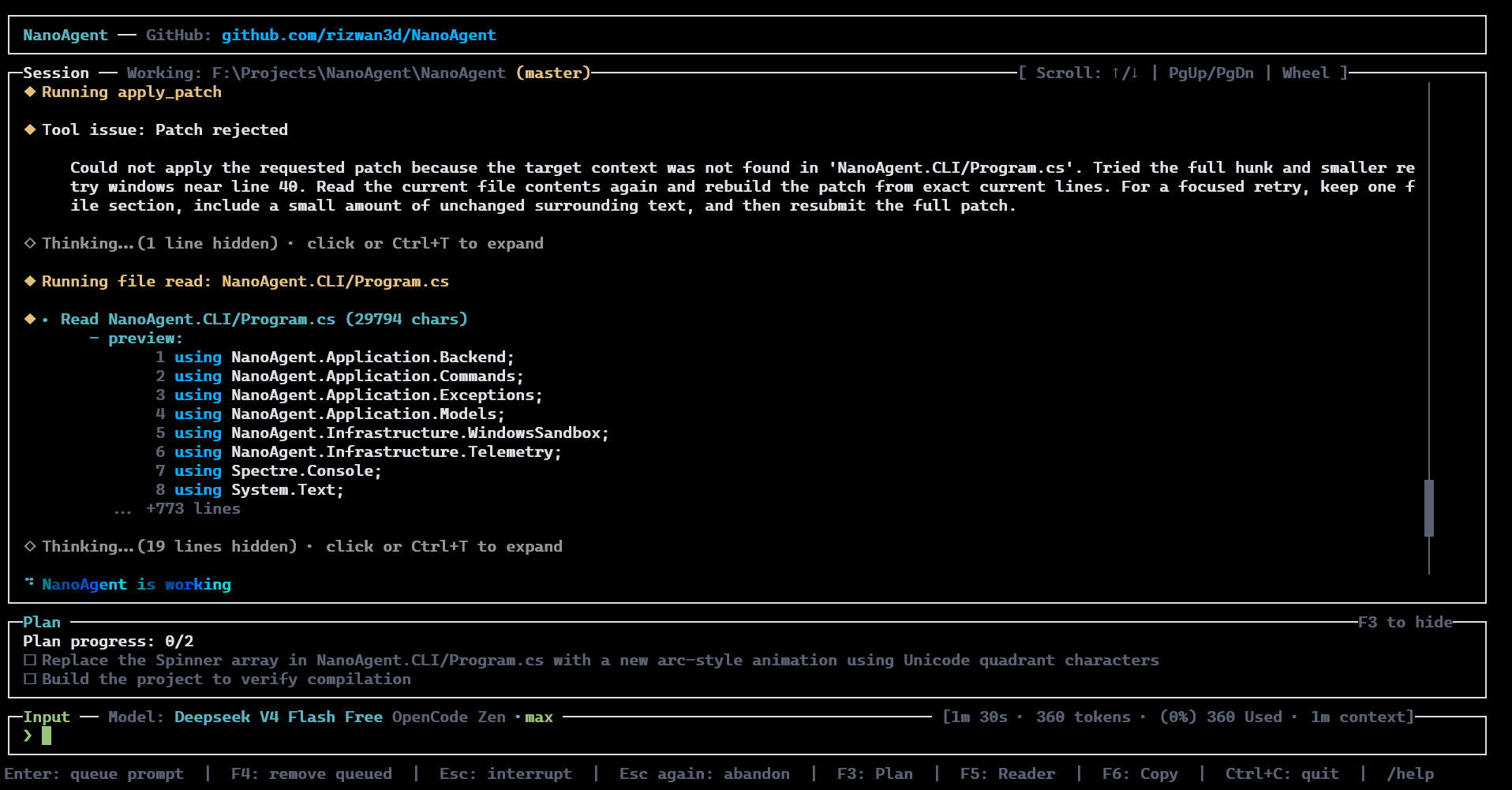
Start in the terminal, then use NanoAgent wherever you already build.
Powerful enough to help. Transparent enough to trust.
NanoAgent gives you an AI coding workflow you can inspect, guide, and approve. Without handing your repository to a black box.
Your code stays local
Repositories, indexing, and embeddings stay on your machine. Not in a third-party workspace.
See the plan first
Review the agent's reasoning, proposed steps, and intended changes before it starts work.
Approve meaningful actions
NanoAgent asks before writing files, running commands, committing code, or taking destructive actions.
Stay in your workflow
Use it from the terminal, desktop, VS Code, Visual Studio, or CI review workflow.
Understand the whole codebase
Semantic, language-aware indexing helps NanoAgent reason across real projects — not just one file.
Keep knowledge in Git
Share repository memory in version-controlled files your team can read, review, and improve.
You stay in the loop from prompt to pull request.
Give NanoAgent the task
Ask a question, describe a bug, or define the change you want. NanoAgent gathers relevant repository context.
Review the plan
See what it found, what it intends to change, and what validation it plans to run before execution.
Approve and review the diff
NanoAgent makes approved changes, runs validation, and presents the result for your review.
Start with developers.
Add control when your team scales.
When AI usage expands across a team, NanoAgent Gateway gives you one endpoint for every model. Spend visibility, policies, provider routing (Anthropic, OpenAI, Google, etc.) and more. Plus audit-ready usage records.
NanoAgent helps developers move faster. Gateway helps teams manage that growth without disrupting the tools developers already use.
Attribute AI usage by team, project, app, or user.
Apply access policies, budgets, limits, and audit controls.
Manage providers, keys, and fallback models behind one endpoint.
Describe an app. Get a working full-stack build. No code required.
NanoForge turns a plain-language product brief into a real, reviewable app: frontend, backend, and database, live in preview.
Open source by default. Built for developers who want control.
NanoAgent is released under Apache-2.0. Inspect the code, contribute improvements, fork it for your workflow, and build on top of it.
✨ Want Voice Mode & IDE release notifications?
Zero spam. Only breaking updates & new platform capabilities.
Build with an agent
you can actually inspect.
Install NanoAgent free and use AI across your codebase without giving up visibility, privacy, or control.